
Who is affected
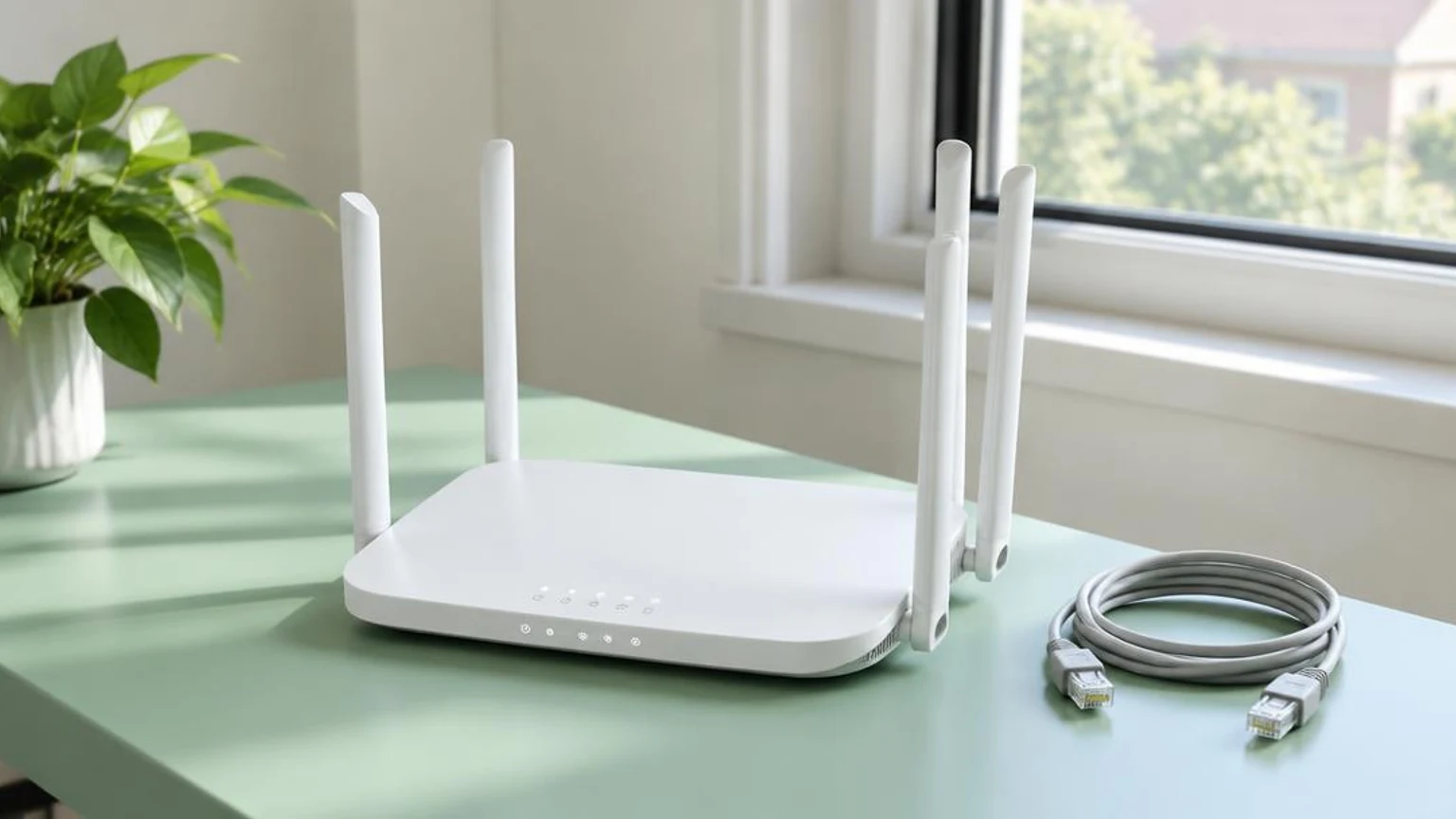
Organizations and remote staff using TP-Link routers or related network equipment within their business environments.
How to mitigate it
- 1Audit your workplace and remote work environments to catalog any deployed TP-Link networking devices.
- 2Verify that all current routers have the latest firmware updates installed and default credentials changed.
- 3Transition from consumer-grade network equipment to managed enterprise-grade firewalls and routers.
- 4Isolate untrusted network hardware by segmenting internal business systems from guest and IoT networks.
How Outsource IT solves this
Outsource IT designs, deploys, and manages commercial-grade network infrastructure to ensure your business perimeter relies on trusted, secure equipment.
IT Infrastructure & Network ManagementTags
Network SecuritySupply ChainHardwareTP-Link
Source advisory: the-hacker-news
Not sure whether this affects your business?
Outsource IT has been delivering managed services for over 20 years from Burlington, Ontario, supporting organizations right across Canada. Ask our team to review your exposure.
More security briefings
Oct 13, 2026
Docker Resolves Critical Flaw Allowing Container Image ImpersonationOct 13, 2026
GitHub Fixes Flaw That Left 1,500+ Software Packages Open to HijackingOct 13, 2026
Attackers Remotely Hijack Commercial Fridge Controllers









