Key Ways Managed IT Services Reduce Downtime for Growing Companies
By Lukas Becker · Published · 7 min read
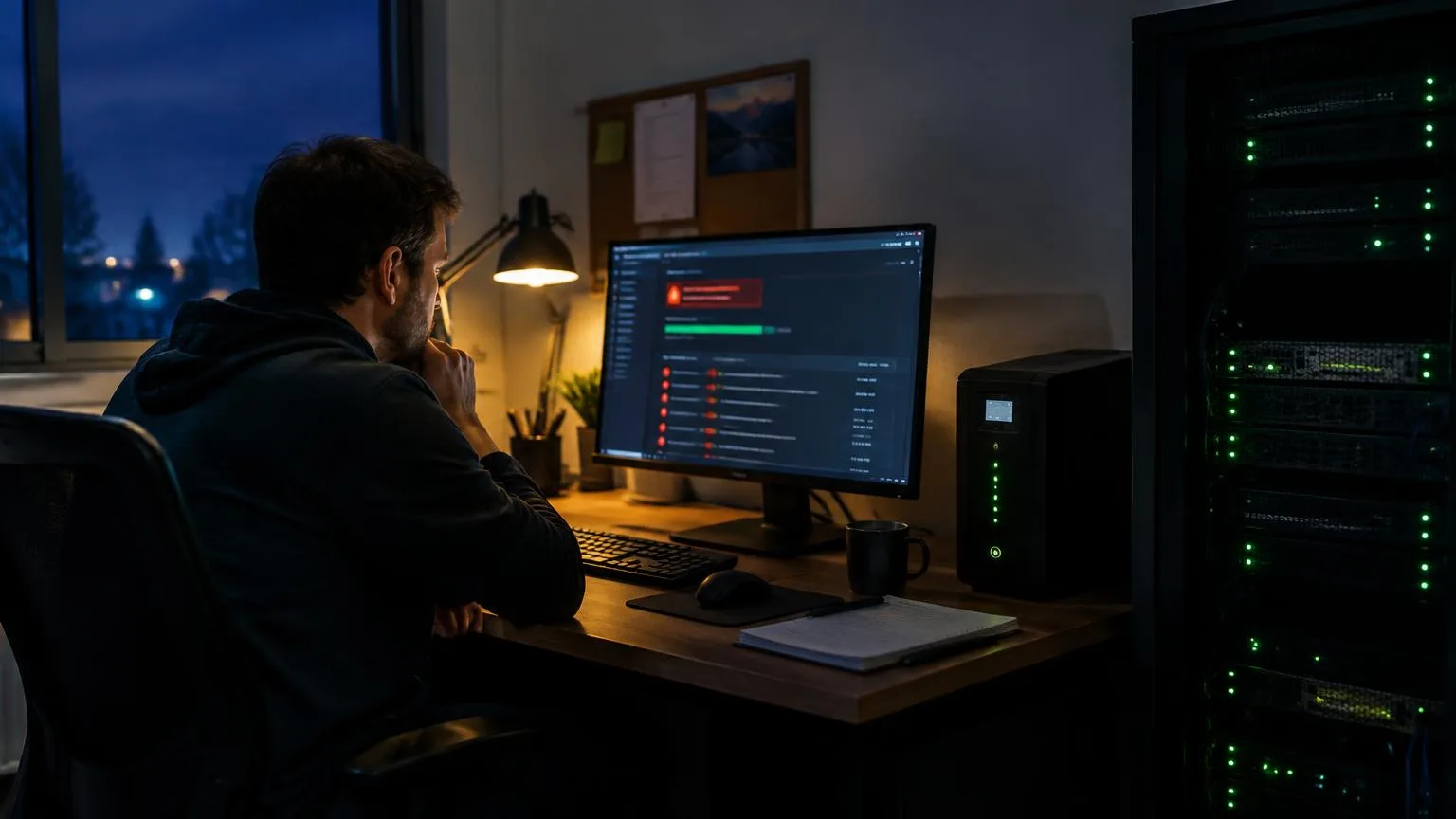
The most expensive IT problem is usually the one nobody noticed until everyone stopped working.
On the service desk, I see it all the time. A drive starts failing quietly for weeks. A security update gets skipped. A backup "runs" every night but nobody has ever tried to restore from it. Then one morning, the phones light up. For growing companies, that kind of outage costs more than the repair: lost sales, idle staff and frustrated customers.
Good managed IT services are built to stop that from happening. Here are the key ways they deliver downtime reduction, explained from the help desk side of things.
The short answer
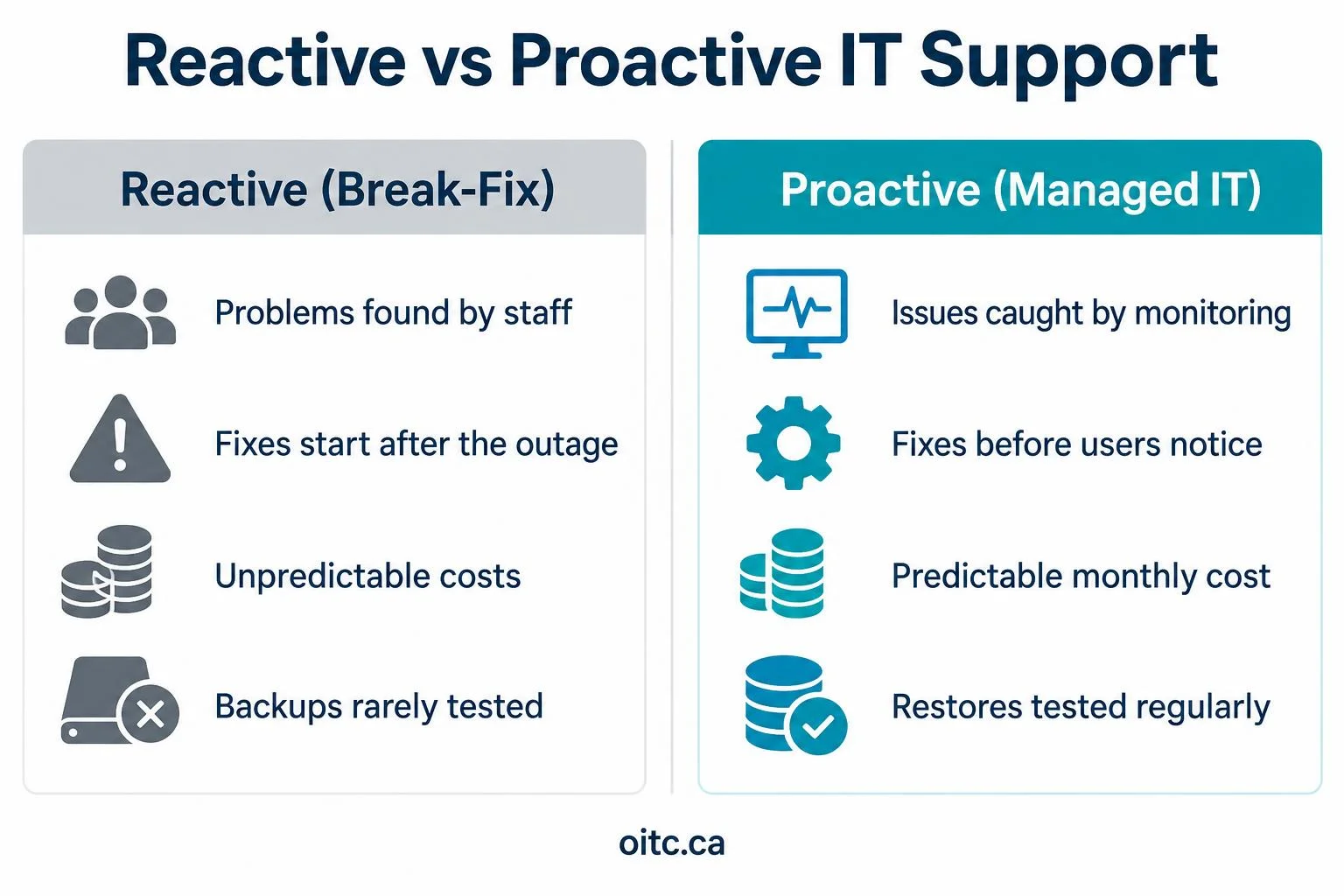
Managed IT services reduce downtime by watching your systems 24/7, fixing small problems before they become outages, keeping devices patched and healthy, testing backups, responding quickly when something does break, and planning for business continuity in advance. The shift is from reacting to problems to preventing them.
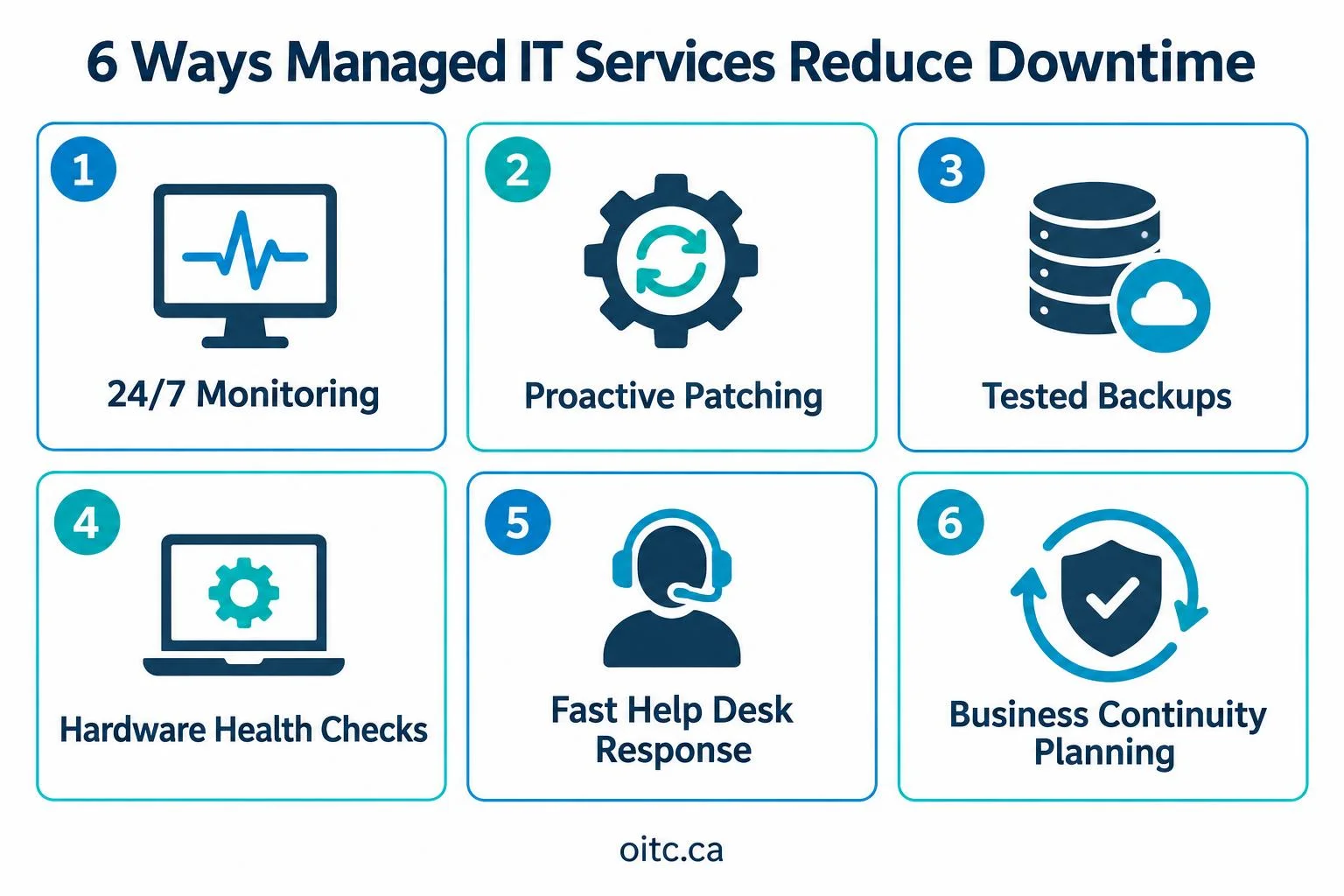
1. 24/7 monitoring catches problems early
Monitoring tools watch servers, network equipment, firewalls, laptops and cloud services around the clock. When something looks wrong, like a disk filling up, a service stopping or a device going offline, an alert goes to the support team.
- Many issues get fixed overnight, before staff arrive.
- Warning signs such as rising error rates or overheating hardware show up days before a failure.
- Nobody has to wait for an employee to notice and call it in.
2. Proactive maintenance and patching
Proactive maintenance is the boring work that keeps systems running: installing security updates, updating firmware, cleaning up old accounts and checking settings. When it's skipped, small problems pile up.
- Updates are tested and scheduled outside business hours.
- Patch reports show what was installed and what still needs attention.
- Known security holes get closed before attackers can use them, which also prevents a lot of ransomware-related downtime.
3. Backups that are actually tested
A backup you've never restored is a guess. Managed IT providers manage backups and run regular test restores, so you know your files, servers and Microsoft 365 data can come back when needed. Keeping at least one copy separate from your main systems protects you if ransomware hits.
4. Hardware health checks and lifecycle planning
Old hardware fails more often. Managed providers track device age, warranty and health, and flag equipment that's due for replacement. That way, you replace a laptop or switch on your schedule instead of in the middle of a busy week.
5. Fast, organized IT support when something breaks
Even with good prevention, things break. What matters is how quickly the problem gets fixed. A proper service desk has a clear ticket process, priority levels and remote tools to fix most issues without waiting for a site visit.
- Critical issues, like a server down, get handled first.
- Technicians can connect remotely within minutes.
- Every fix is documented, so repeat problems get solved for good.
6. Business continuity planning
Business continuity means knowing how your company keeps working when something big goes wrong: a ransomware attack, a fire, a power outage or a failed server. A managed provider helps you write down which systems matter most, how fast they need to come back, and who does what during an incident. You can read more about our business continuity and disaster recovery service.
How much does downtime cost your business?
Most owners underestimate it. Lost staff time, missed sales and recovery work add up fast. Our free downtime cost calculator in our tools and resources section lets you plug in your team size and revenue to see what one hour of downtime really costs. It's a good number to have before you compare IT support options.
What you can do this week
- Ask your IT team or provider when your last test restore happened.
- Check whether anyone is alerted when a server or firewall goes offline after hours.
- List your three most important systems and how long you could work without them.
- Run the downtime calculator and share the number with your leadership team.
Frequently asked questions
How do managed IT services reduce downtime?
Through 24/7 monitoring, proactive maintenance and patching, tested backups, hardware lifecycle planning, fast help desk response and business continuity planning, so most problems are prevented or fixed before they stop work.
What is proactive maintenance in IT?
Proactive maintenance is regular, scheduled work such as security updates, firmware updates, health checks and cleanup that prevents problems instead of waiting for something to break.
What is the difference between backup and business continuity?
A backup is a copy of your data. Business continuity is the plan for keeping the whole business running during and after an outage, including which systems come back first and how quickly.
Is managed IT worth it for small and growing companies?
For many growing companies, yes. A single long outage can cost more than months of managed IT support, and providers bring monitoring and tools that are expensive to run in house.
How can I estimate the cost of downtime?
Use our free downtime cost calculator, which estimates lost productivity and revenue per hour based on your team size and revenue.
Next steps
If you'd like a second set of eyes on your monitoring, backups or support process, our team is happy to help. Learn more about our managed IT services and help desk and remote IT support, contact us, or call 1-866-400-0786.
Sources
About the author
Lukas Becker
Written and reviewed by the Outsource IT team, a Burlington, Ontario managed IT services provider supporting businesses across the GTA for over 20 years. Meet the team.
Want this handled for you?
Outsource IT keeps Ontario businesses secure, supported and running. Book a short call, or score your current setup with our free IT Health Check.