
Five Critical Steps Businesses Should Take to Guard Against Ransomware
By Nathan Zych, Chief Executive Officer · · Updated July 10, 2025 · 4 min read
Five Critical Steps Businesses Should Take to Guard Against Ransomware
Ransomware is a malicious cyberattack which locks and encrypts a company’s data, until a ransom is paid. It has been an ever-evolving phenomenon since it was first introduced in 1989 as the “PC Cyborg” Trojan, where victims had to pay $189 to “repair” their computers.
Detecting and preventing ransomware is quite challenging. As a result, it is commonly believed that a reactive approach is the only way to mitigate the risk. While knowing how to fight back after being attacked is critical, taking proactive steps to minimize the odds of falling victim to ransomware is equally necessary.
With due diligence and security best practices in place, companies can pre-emptively protect their data and stop these malicious attacks in their tracks. In this article we reflect on the five most critical proactive steps an organization should take to guard against ransomware.
1. Provide Security Awareness and Training for Staff
Statistics show that most ransomware incidents are unknowingly initiated by user error. Therefore, security awareness training should be implemented first and foremost. This training should teach users to distinguish real threats from legitimate data. It should also teach them how to look for phishing threats within emails, and what actions to take if something suspicious is identified. For starters, all users should be trained to refrain from clicking suspicious links in their emails unless they verify it with the IT team. This will help them avoid accidentally initiating a ransomware attack.
2. Employ Endpoint Anti-Virus Security, Web Filtering, and Isolation Technologies
Implementing a robust endpoint security system is crucial to mitigating ransomware attacks. Certain antivirus engines can detect malicious malware and prevent it from getting downloaded. These tools can also provide the ability to view compromised devices and even send alert notifications when a user stumbles on a risky website. However, ransomware attacks are getting more complex as cybercriminals are coming up with innovative ways to get around antivirus software. Therefore, more stringent security protocols need to be in place, which can work in conjunction with strong antivirus solutions.
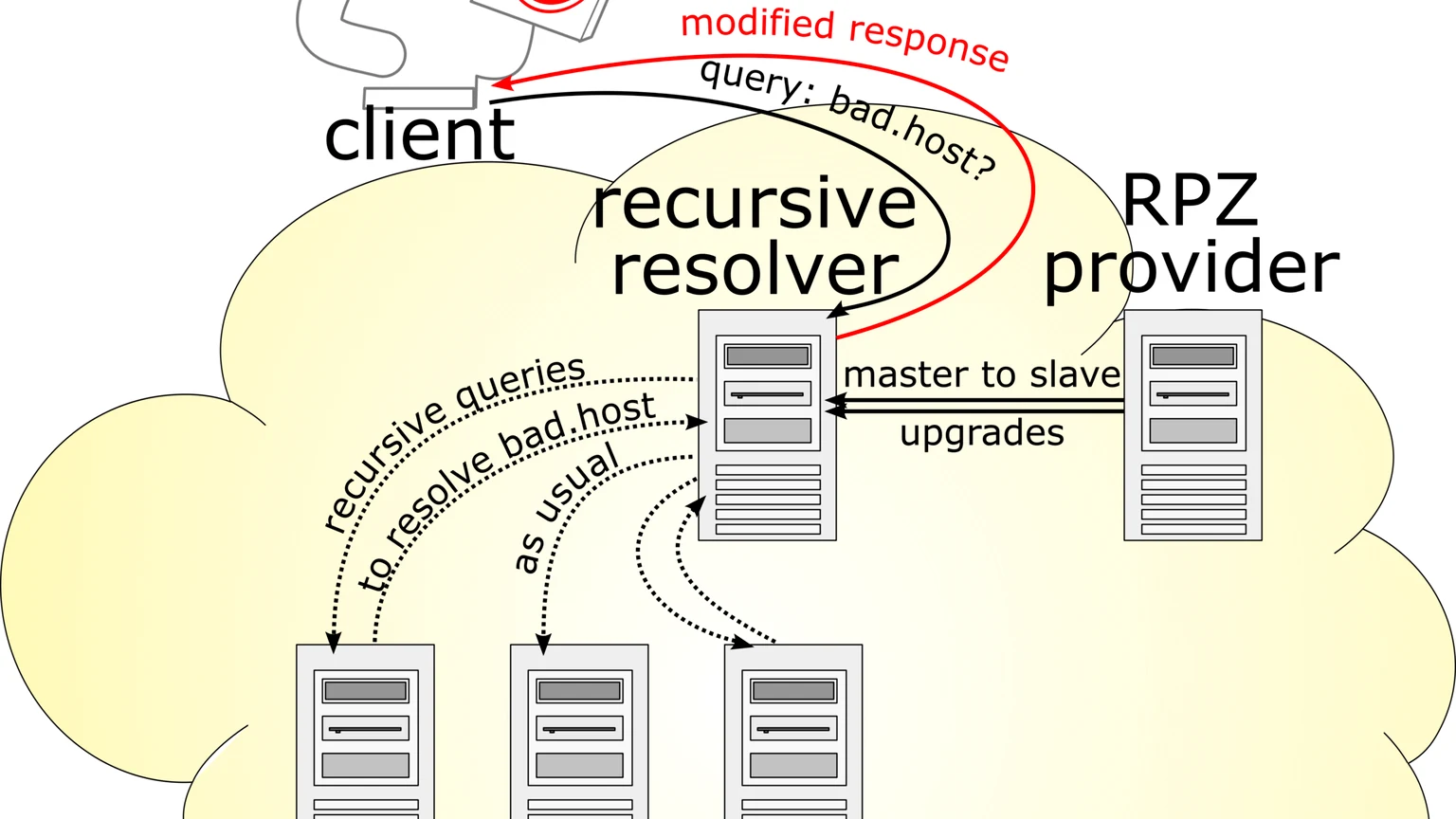
Additionally, DNS Web filtering solutions are very helpful in preventing malicious attacks as they stop users from visiting risky websites and downloading suspicious files. This greatly reduces the number of instances in which Ransomware and trojan horse viruses are downloaded.
3. Restrict Administrative Privileges
Administrative privileges should only be assigned after careful consideration. Admin accounts have access to everything including the ability to change configurations, update critical data, install software, and even bypass critical security protocols. As a result, users with admin privileges are prime targets for cyber attacks. Putting stringent authentication policies in place and using the Principle of Least Privilege (PLOP) when granting any type of access is an important step towards ransomware prevention.
4. Implement a Good Backup Strategy as well as a Disaster Recovery Plan
It almost goes without saying that all companies should have a very strong backup strategy, as well as a disaster recovery plan in place. Data should be backed up in multiple locations, while ensuring that it can be easily restored if the need arises. This is one of the best ways to nullify ransomware attacks, since backed up data can be recovered and accessed without paying a ransom.
5. Disable Macros and Ensure Timely Software & Operating System Updates Company Wide
Users of Microsoft Office products like Word and Excel often use macros to automate repetitive tasks. While macros are not used as frequently by cyber attackers for delivering ransomware, macro-based ransomware still exists. A couple examples are the Locky ransomware from 2016, and the recent Avaddon ransomware.
It is recommended that users disable macros by default to avoid accidentally launching ransomware or malware. Along with disabling macros, it is also a good practice to ensure software application and operating system updates are applied company wide. These updates will often close or fix security vulnerabilities which can allow ransomware and other malicious software to take root.
Prevention is Better than Cure
The increasing prevalence of cybercrimes has forced business organizations to re-think their current security strategies. According to recent statistics, 58% of cyber-attacks target companies with fewer than 250 employees, and 60% of businesses who are targeted suspend operations after a cyber-attack never reopen for business.
In light of these findings, it is imperative that businesses do not hesitate in taking proactive measures such as the ones mentioned above. When it comes to ransomware, prevention is better than a cure.
For companies seeking help with securing their organization against ransomware, look no further than Outsource IT. We provide reliable Business IT Security services which are specifically geared towards safeguarding businesses against common cyber threats. Contact an Outsource IT account manager to learn more.

About the author
Nathan Zych, Chief Executive Officer
Written and reviewed by the Outsource IT team, a Burlington, Ontario managed IT services provider supporting businesses across the GTA for over 20 years. Meet the team.
Want this handled for you?
Outsource IT keeps Ontario businesses secure, supported and running. Book a short call, or score your current setup with our free IT Health Check.











